Does Printer Ink Dry Out? How Long Ink Cartridges Last
Printer ink can dry out in the cartridge and the print head. How long ink lasts, how to keep an idle printer ready and when black will not print.

On this page
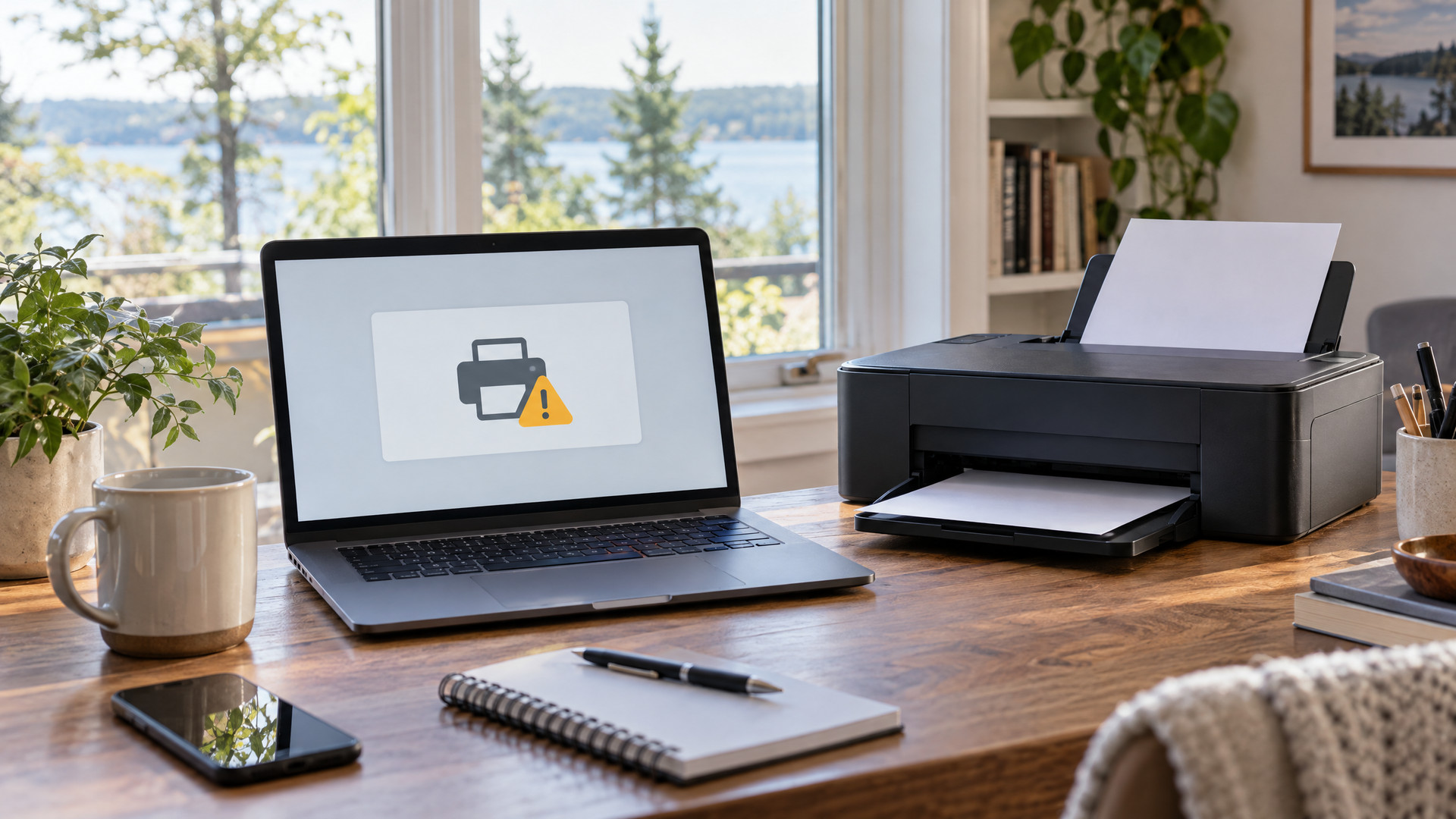
You go to print a boarding pass or a permission slip, and the page comes out pale, streaky or blank. The printer says the cartridge still has ink. Most of the time, the ink has dried out. We hear this question at our Traverse City store all the time, so here is why it happens, how long ink really lasts and how to keep your printer ready when you need it.
Yes, printer ink dries out
Inkjet ink is a liquid made to dry fast once it lands on paper. That same quality works against you inside the printer. The print head pushes ink through tiny nozzles. When a printer sits unused, ink in those nozzles can thicken and clog them. You get missing lines, faded colors or a color that will not print at all.
An open cartridge can also lose moisture over time. The ink is still in there. It just has trouble getting onto the page.
Two clocks run on every ink cartridge
On the shelf. A sealed cartridge in its original package holds up well. Check the box for an install-by or best-before date, and keep it sealed until you need it.
In the printer. Once a cartridge is open and installed, the clock speeds up. How fast depends on the printer, the ink and how often you print. A printer that runs a few pages every week keeps ink moving. A printer that sits for months is the one most likely to greet you with a streaky page.
That is why the page count on the box only tells part of the story. If you print rarely, a cartridge can dry out long before you use up the ink.
Cleaning cycles use ink too
Most inkjet printers clean their own print heads. They run a short cycle at startup, after a new cartridge goes in or when you choose it from the settings menu. Each cycle pushes a little ink through the nozzles.
That keeps things working, and it also uses ink. Running head cleaning over and over can drain a good part of a cartridge without printing a single page. Run one cleaning, print a nozzle check page and look at it before you run another.
A few habits keep ink flowing
- Print something once a week. One page with a little color on it keeps the nozzles moist.
- Turn the printer off with its power button. That lets the printer park and cap the print head. Pulling the plug or flipping a power strip can leave the head uncapped.
- Leave the cartridges installed. Taking cartridges out of an idle printer exposes the nozzles to air.
- Let cold cartridges warm up. If a box rides home in a cold car on a January afternoon, let it reach room temperature before you install it.
A printer at the cabin needs a little extra care
Plenty of printers up here spend part of the year at a cottage, then sit through the winter. Before you close up for the season, print a test page and turn the printer off with the power button. When you come back, expect to run one cleaning cycle and a nozzle check before the first real print job. If it still will not print cleanly, bring it to us before you buy a new one.
When your printer will not print black
If black or one color drops out, start with a nozzle check from the printer’s settings menu. Gaps in the pattern mean clogged nozzles. One cleaning cycle and a second check often clear it.
If the pattern is blank for one color, the cartridge may be empty, dried out or not making good contact. Take it out, make sure any protective tape is gone and reseat it. If the problem stays, stop running cleanings. Repeated cleanings on a badly clogged head waste ink and rarely fix it. That is the time to call us.
Toner holds up better in printers that sit
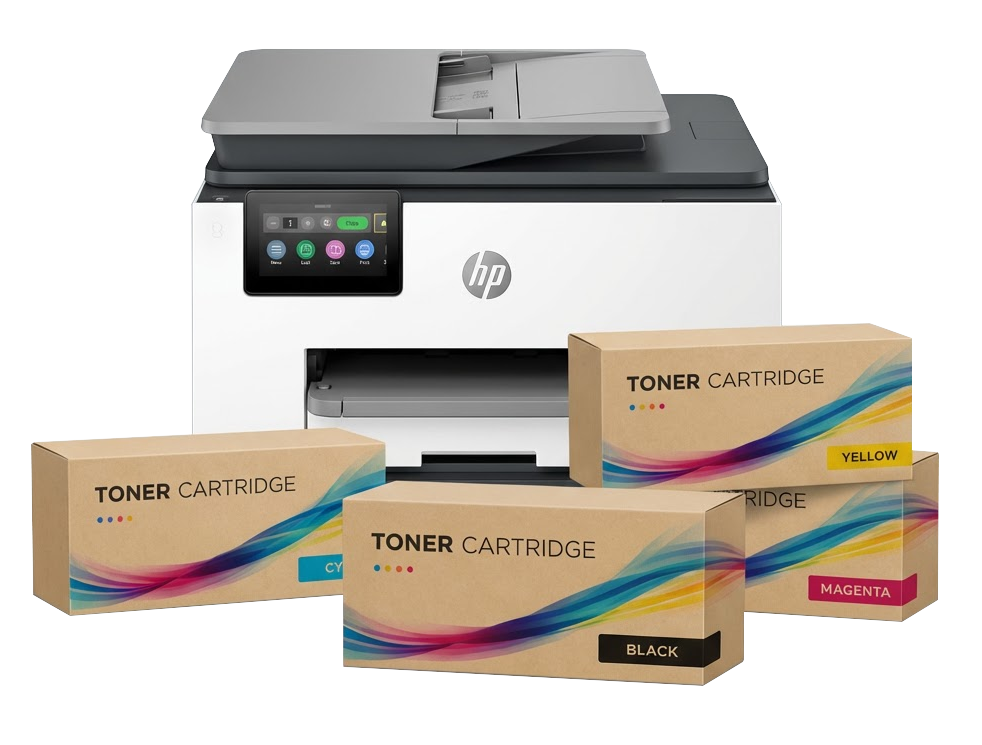
If you only print now and then, a laser printer may be worth a look. Toner is a dry powder, so there is nothing in it to dry out the way ink does. A laser printer can sit for weeks and still print a sharp page. Toner cartridges do best stored sealed, flat and at room temperature. Our post on storing and recycling toner cartridges covers the details.
We are here to help
Bring in your cartridge or tell us your printer model, and we will help you find the right ink or toner at the lowest-cost way to keep printing. If your printer needs more than a cleaning, our printer repair team works on any printer, wherever you bought it.
Stop by 1073 W. South Airport Road, next to J&S Hamburg, Monday through Friday from 9:00 AM to 5:30 PM, or call (231) 668-9995. Bring your empty cartridges too. Our free recycling drop-off takes any brand, bought here or not.
For offices, we offer free local business delivery, and existing business customers can reorder in a few clicks through EasyOrder. New business customers can build an order form with their printer list.
Questions about your printer or toner?
Call us or stop by 1073 W. South Airport Road, Monday to Friday, 9:00 AM to 5:30 PM. Tell us your printer model and we will find the right cartridge.