Toner Page Yield Explained (and What “Low” Means)
How toner page yield is measured, why your cartridge may not match it, and what to do when your printer says toner is low.
On this page
A toner box lists a page yield: how many pages the cartridge is expected to print. Then it runs out early, or the printer warns that toner is low while the pages still look perfect. Both are normal. The yield number makes more sense once you know how it is measured.
How page yield is measured
Most laser toner yields use standards published by ISO, the International Organization for Standardization. ISO/IEC 19752 covers black-and-white laser cartridges; ISO/IEC 19798 covers color.
The test prints the same standard pages until the cartridge runs out, under controlled conditions. About 5% of each page is covered in toner, roughly the amount on a short, single-spaced business letter.
That box number gives you a fair way to compare cartridges. It does not promise how many pages you will get.
Why your cartridge runs out sooner
Your pages probably have more than 5% coverage. A few reasons:
- Heavy pages. Shaded spreadsheet cells and dark PDF logos use more toner than a plain letter. Photos use even more. A mostly covered page can use many times as much as the standard test page.
- Lots of one-page jobs. Each time a laser printer wakes and calibrates, it uses a little toner. Printing pages separately through the day costs more than printing them together.
- Color printing. Even a small colored logo on a color laser uses every color cartridge, not just black.
- Quality settings. “Best” or “high quality” modes lay down more toner than the default.
That does not mean the cartridge was bad. Your pages just differ from the ISO test pages.
Standard and high-yield cartridges
Many printers take standard and high-yield versions of the same cartridge, sometimes labeled XL or “X.” Both fit the same slot. The high-yield version holds more toner.
If your printer accepts one and you print regularly, it usually costs less per page and means fewer swaps. Compare cost per page: divide the price by the rated yield.
“Toner low” does not mean empty
Printers often show a “toner low” message while plenty of pages remain, giving you time to order a replacement. What happens next depends on the printer:
- Some keep printing until the message changes to “replace toner” or “toner end.”
- Some stop and ask you to confirm before printing more.
- A few business printers let you change a setting so they keep printing until the quality fades.
When you see “low,” order the next cartridge. Wait to replace the current one until prints fade or streak.
Getting the last pages out of a cartridge
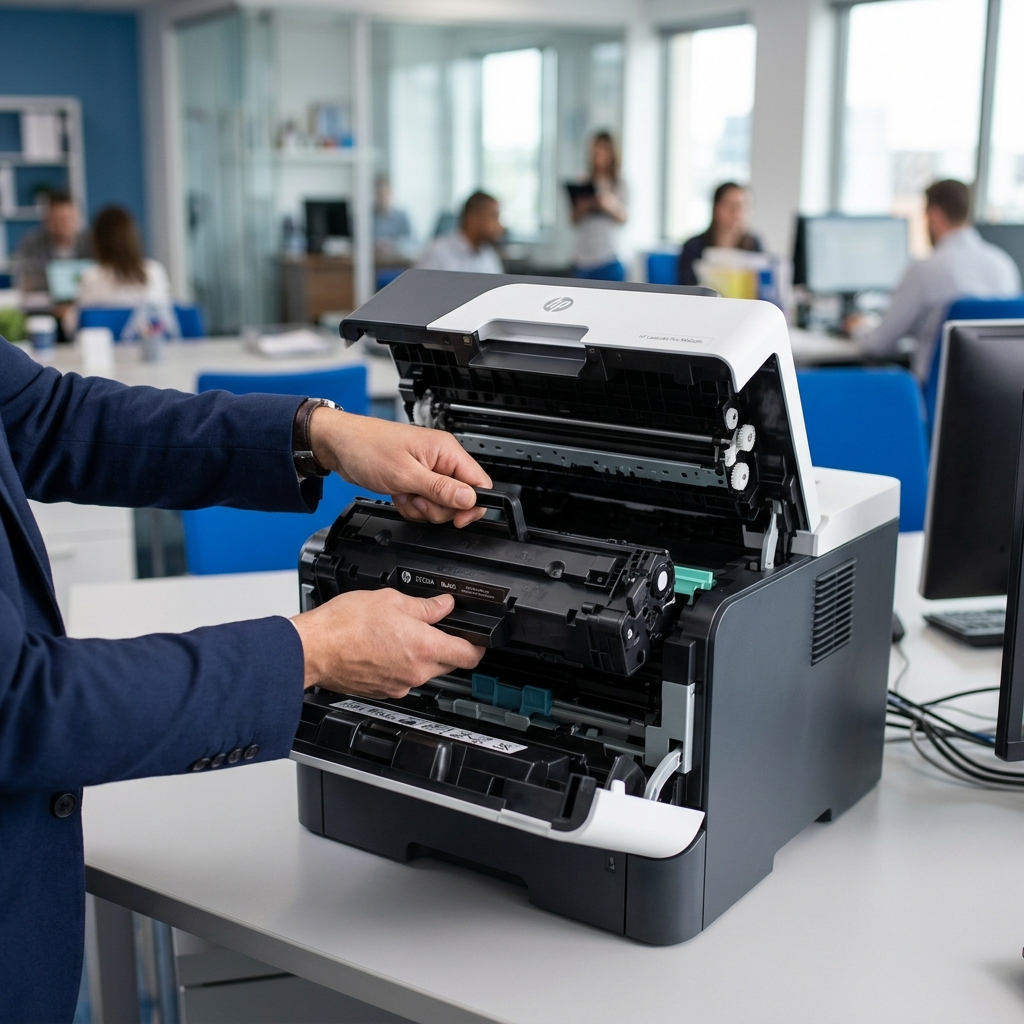
When prints start fading, remove the cartridge and gently rock it side to side a few times, keeping it level. Toner settles and clumps toward the ends; rocking spreads what is left back across the roller. Many manufacturers recommend this. Do not shake it hard or turn it upside down.
Making a cartridge last longer
A few habits help:
- Use draft or toner-save mode for internal copies.
- Print in black only when you do not need color.
- Batch pages instead of sending them one at a time.
- Choose a lighter font. Skip pages you only need to read once.
Need a cartridge or a second opinion?
If a cartridge runs out much faster than it should, or fresh prints are streaking, the printer may be the problem. Our printer repair page explains what we can fix.
For businesses that print a lot, our No-Cost Printer Program puts a printer in your office when you buy toner from us.
Call Cartridge World Traverse City at (231) 668-9995 with your printer model. We will help you find the right cartridge.
Questions about your printer or toner?
Call us or stop by 1073 W. South Airport Road, Monday to Friday, 9:00 AM to 5:30 PM. Tell us your printer model and we will find the right cartridge.